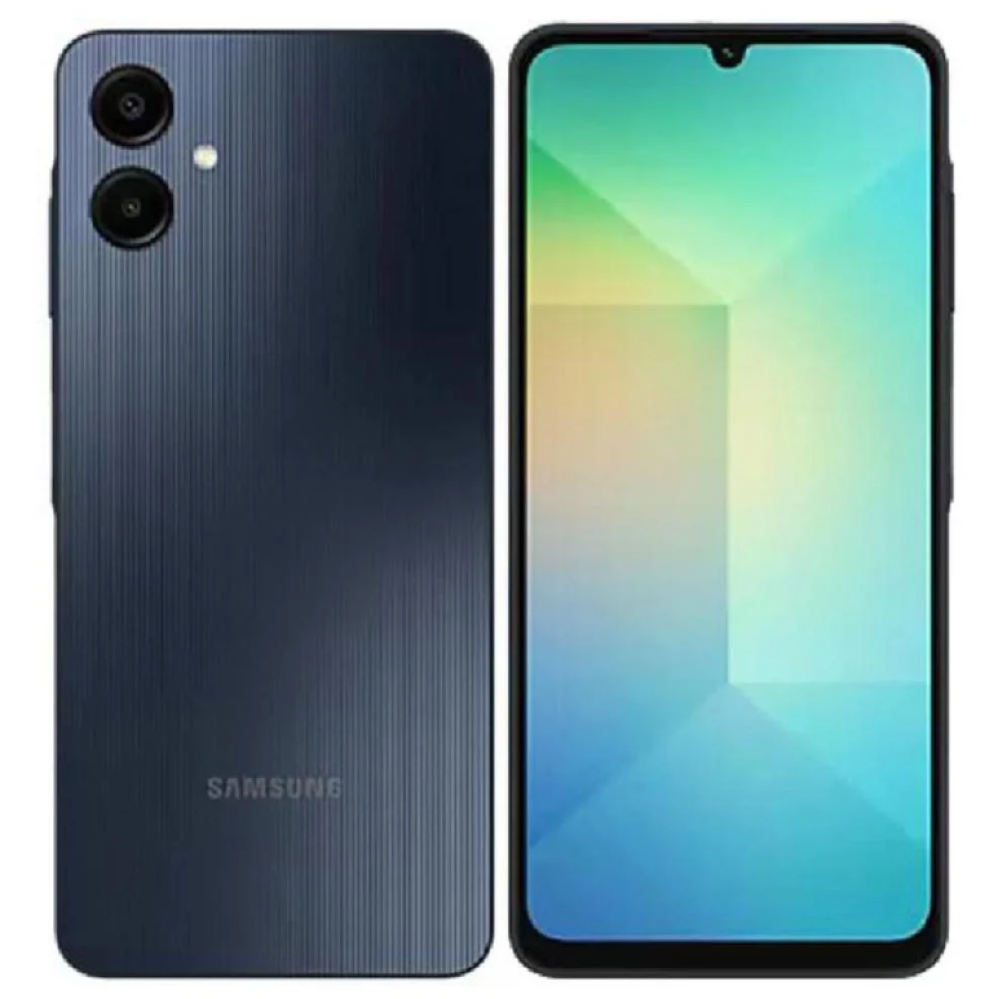
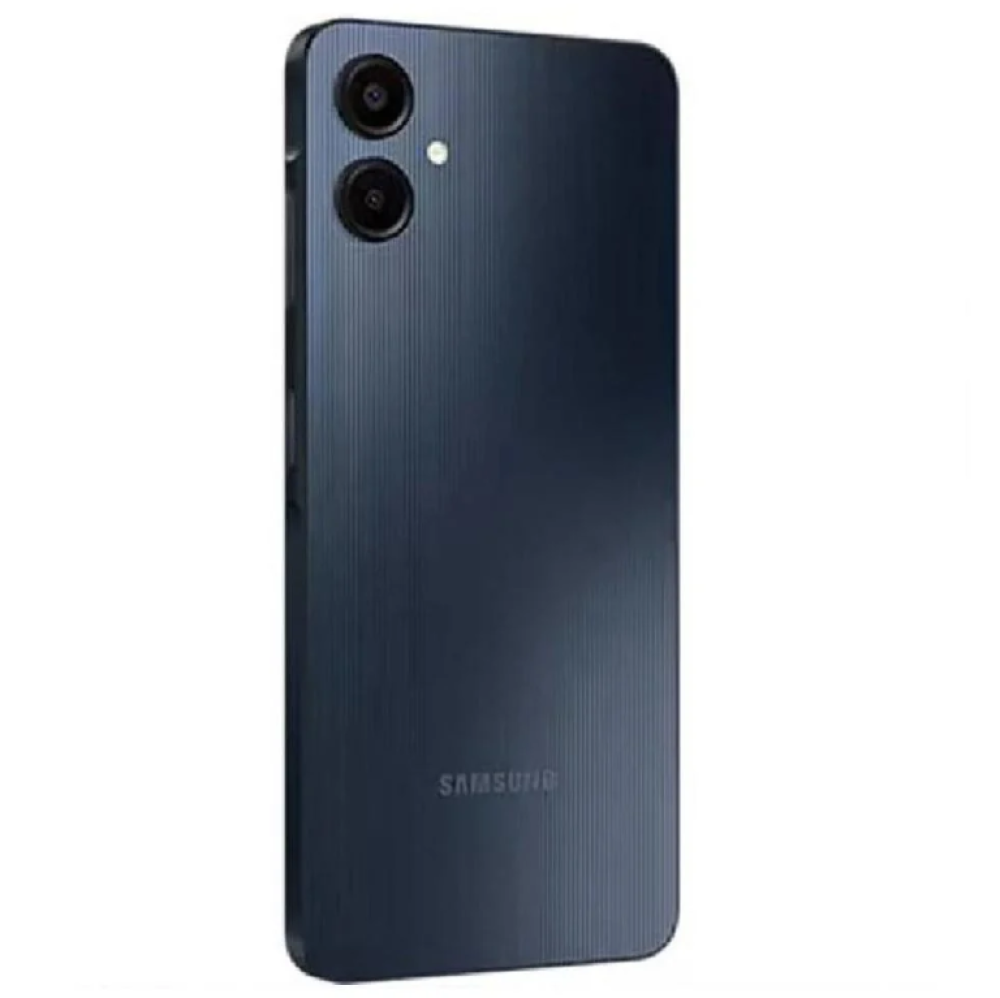
The Samsung A06 mobile phone from Sultan Communications and Electronics offers an integrated solution for users seeking a high-efficiency mobile experience, combining outstanding performance and elegant design. Thanks to the 6.7-inch PLS LCD display, this phone provides a great viewing experience for your favorite content. With an octa-core processor and 4GB of RAM, you can smoothly navigate between applications from the Sultan Electronics store. Samsung A06 specifications: Screen: 6.7-inch, PLS LCD, HD+ resolution (720 × 1600 pixels). Processor: Octa-core. RAM: 4GB. Internal storage: 64GB, expandable with microSD card up to 1 terabyte. Rear camera: Dual, 50 megapixels (main) and 2 megapixels. Front camera: 8 megapixels. Battery: 5000 mAh. Networks: Supports 4G LTE. Dimensions: 164.5 × 75.9 × 9.1 mm. Weight: 195 grams. Operating system: Android 13 with One UI Core interface. Category: Mid-performance smartphone. Features of Samsung A06: The phone provides a large screen allowing for clear and comfortable viewing of movies and videos. The dual rear camera ensures high-quality photos thanks to its advanced sensor. It offers expandable storage space, making it easy to save all your important files. Samsung A06 features an elegant and modern design with an attractive black color suitable for all tastes. The 5000 mAh battery allows you to work on your device for a long time without needing frequent charging. The phone supports dual SIM cards, making communication management easier and more effective. The phone's weight of 195 grams ensures easy carrying and one-handed use. Usage notes: It is recommended to charge the device for at least 3 hours before first use. Avoid exposing the phone to high temperatures or direct sunlight for extended periods. It is advised to use an original Samsung charger and cable to maintain battery health and device performance. Do not leave the device on charge after full charging to avoid reducing battery lifespan. When downloading applications from outside the Google Play store, ensure they come from trusted sources to avoid viruses. Keep the system and applications updated regularly to improve performance and security. It is preferable to use a screen protector and back cover to protect against scratches or shocks. The device is not recommended to be used underwater, although it is water spray resistant in some cases. To save battery, reduce screen brightness and use the "Power Saving" mode when needed. If performance weakens, you can restart the device or clear the application cache. Shop more: mobile devices, chargers, headphones, mobile
Read more